The Checkout page is managed directly by Shopify, and there are certain platform rules in place to protect the checkout experience. Because of this, Shopify doesn’t allow any apps to apply automatic or AI translations to Checkout content.
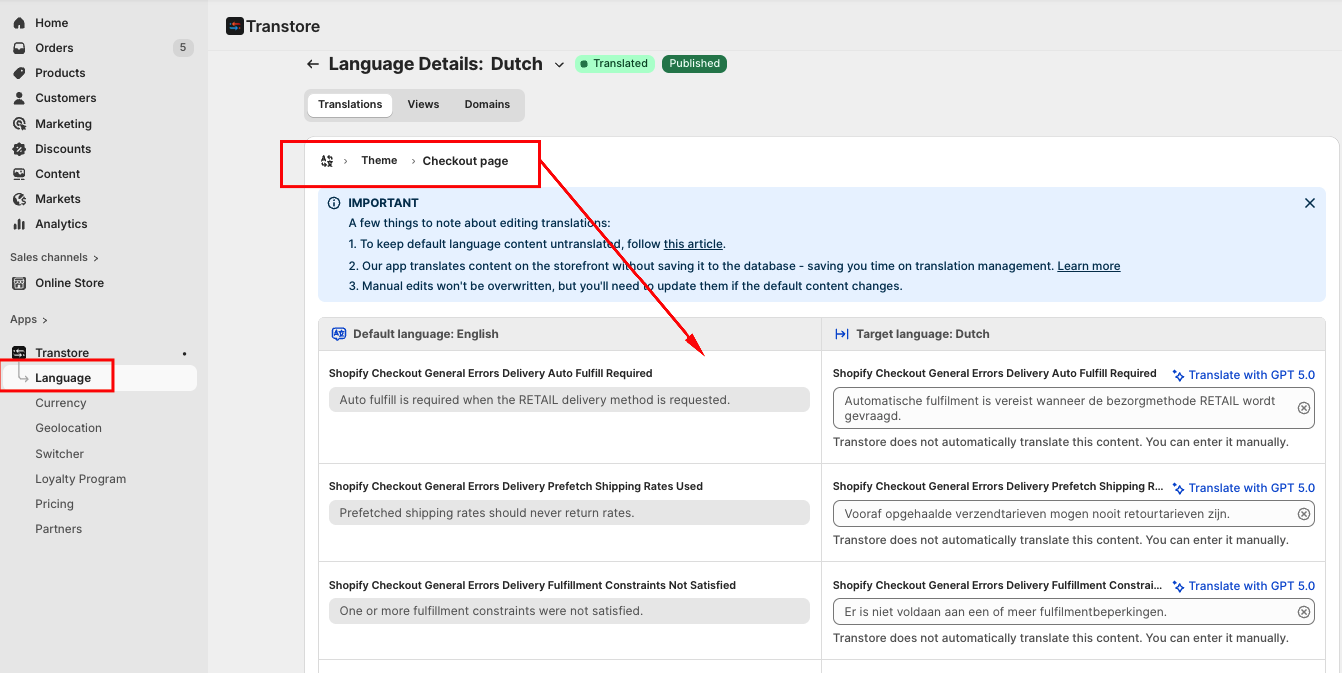
However, if your theme provides multiple languages support, you can use our app to manually translate the Checkout content. Please go to Manage Translation -> Theme -> Checkout page -> Select translate for all contents belonging to the Checkout here:
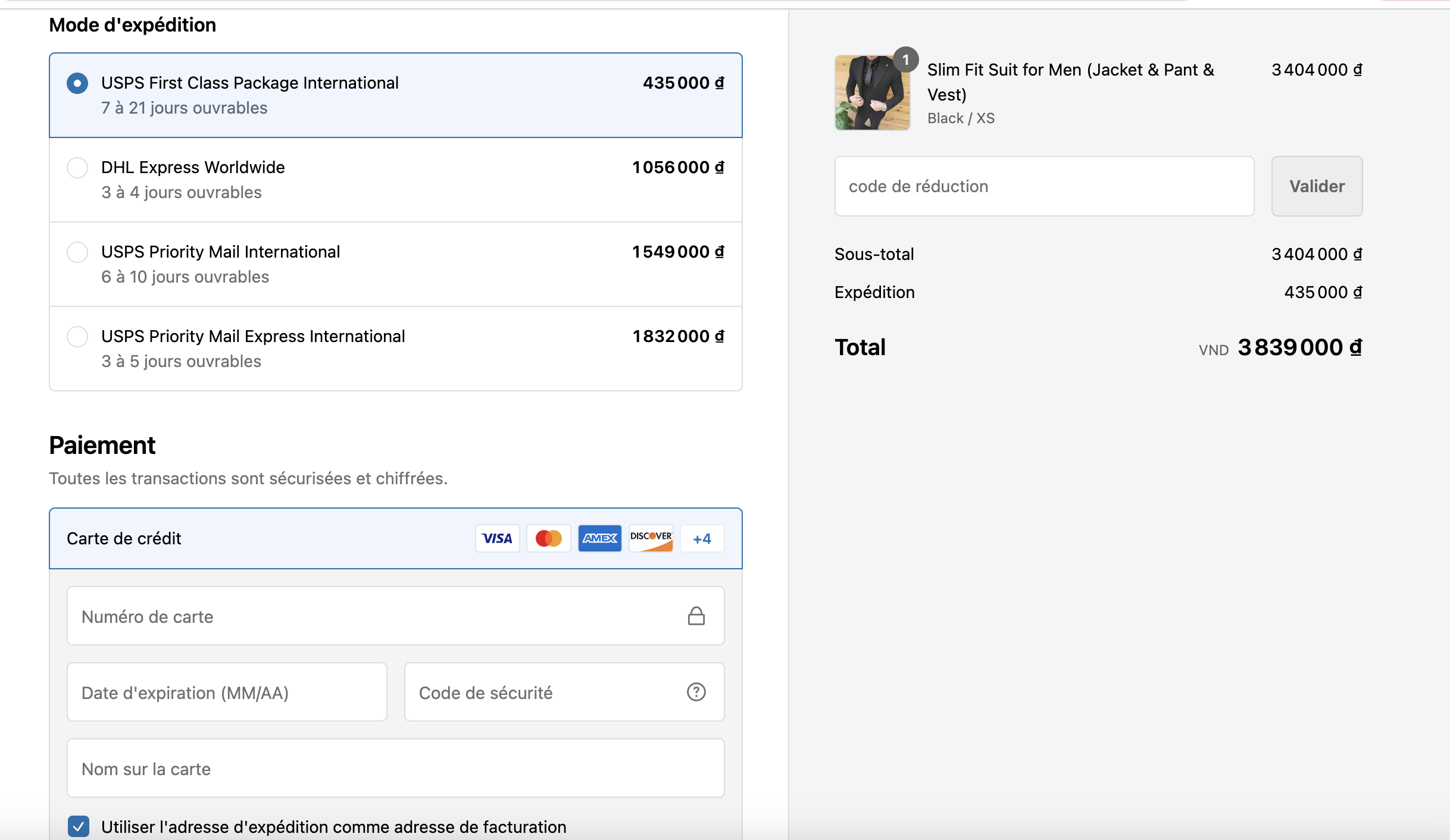
Also, you can take a quick look on our demo store to see how the app works on the checkout page: https://demo.transtore.app
If you have any questions or need assistance with Checkout translations, feel free to contact us at support@transtore.app or submit a ticket here.
Was this article helpful?
That’s Great!
Thank you for your feedback
Sorry! We couldn't be helpful
Thank you for your feedback
Feedback sent
We appreciate your effort and will try to fix the article